SeaReader for Android, iOS & Windows
SeaReader e-Books can be read on Macs, smartphones, PCs or tablets
NEWS:
Try SeaReader Pocket app!
You can now access your purchased e-books from weilbach.com on Android and Apple devices. Our SeaReader software for Windows can be downloaded in Customer Portal if you have a PC. SeaReader Pocket can be downloaded in Google Play for Android devices and in AppStore for Apple devices. Enjoy!
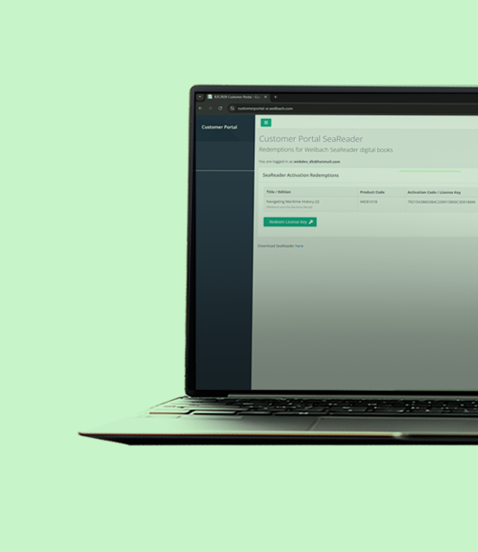
What is our Customer Portal?
An online portal where you access your SeaReader account and: • Create your login • Activate the e-books you've purchased • Download our SeaReader software for PC / Windows • Retrieve your password if you forget
Customer Portal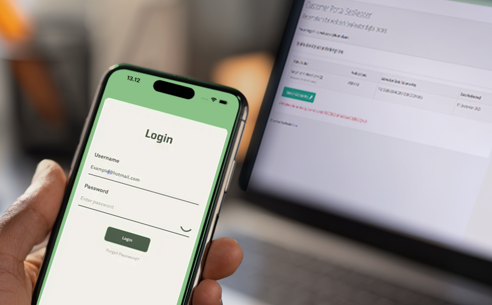
How to purchase e-Books
- Find the title you want on the weilbach.com webshop
- Add the digital version 'E-Book' to your basket
- When finalizing your order, you will get an activation code and instructions on how to create your login, activate your e-Book, download SeaReader, etc.
You will receive a confirmation email with the same information and instructions
NOTE:
Your e-Books can be activated on max. two devices
You can be logged in to SeaReader on max. two devices
SeaReader for Windows / PC
System Requirements
Minimum Windows 10 Currently supported release version Processor: Min 1GHz 2 core processor (64 bit) Memory: Min 4GB. Preferred 8GB RAM Disk: Min 64GB hard disk